
Introduction
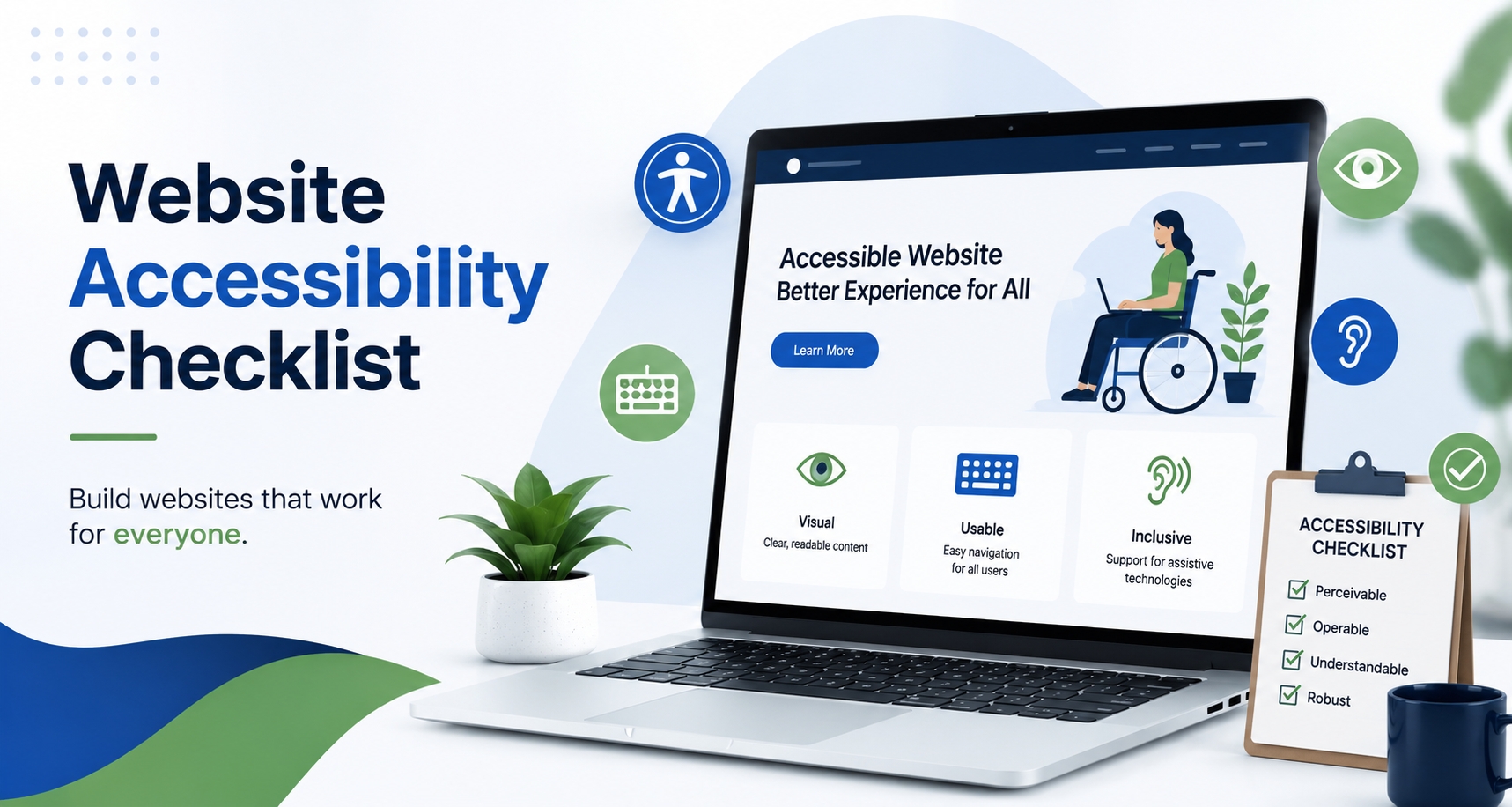
A great website isn’t just one that looks good; it works for everyone.
Yet many businesses unknowingly create barriers that make it difficult for visitors to navigate their websites, complete forms, make purchases, or access important information. Whether it’s poor color contrast, missing image descriptions, or confusing navigation, accessibility issues can negatively impact user experience and business performance.
This is why having a Website Accessibility Checklist is no longer optional in 2026.
Website accessibility is often associated with legal compliance, but its benefits go far beyond regulations. An accessible website can improve user satisfaction, support SEO efforts, increase conversions, and help businesses reach a wider audience.
In this guide, we’ll explore why accessibility matters, review a practical website accessibility checklist, and look at how businesses can create better experiences for every visitor.
What Is Website Accessibility?
Website accessibility refers to designing and developing websites that can be used by people with different abilities and needs.
This includes users who may have:
- Visual impairments
- Hearing impairments
- Mobility limitations
- Cognitive challenges
- Temporary disabilities
- Age-related accessibility needs
Accessibility ensures that all visitors can interact with your content, products, and services without unnecessary obstacles.
Simply put, accessibility is about making the web usable for everyone.
Why Website Accessibility Matters More Than Ever in 2026
Many businesses view accessibility as a technical requirement.
In reality, it’s a user experience requirement.
Today’s users expect websites to be:
- Easy to navigate
- Mobile-friendly
- Fast-loading
- Readable
- Inclusive
An inaccessible website can lead to:
- Higher bounce rates
- Lost sales
- Reduced engagement
- Poor customer experiences
As digital competition increases, businesses that prioritize accessibility often gain an advantage because they remove friction from the user journey.
Accessibility isn’t just about helping a small group of users, it improves usability for everyone.
Website Accessibility Checklist for Modern Business Websites
Use this checklist to evaluate whether your website provides an accessible experience.
Use Descriptive Alt Text for Images
Alt text helps screen readers describe images to users who cannot see them.
Instead of writing:
“image1.jpg”
Use:
“Business owner reviewing website accessibility checklist on laptop.”
Good alt text improves accessibility while also helping search engines understand visual content.
Ensure Proper Color Contrast
Text should be easy to read against its background.
Low contrast combinations such as light gray text on a white background can be difficult for many users to read.
Strong contrast improves readability and user experience.
Create a Clear Heading Structure
Headings help both users and search engines understand content.
Use:
- One H1
- Logical H2 sections
- Supporting H3 headings
A well-structured page is easier to navigate and supports accessibility as well as SEO.
Make Navigation Keyboard Friendly
Not all users navigate websites with a mouse.
Visitors should be able to:
- Access menus
- Navigate forms
- Click buttons
- Browse pages
using only a keyboard.
Label Forms Properly
Forms are one of the most common accessibility issues.
Every field should have a clear label explaining what information is required.
For example:
- Name
- Email Address
- Phone Number
Avoid relying solely on placeholder text.
Add Captions to Video Content
Videos should include captions whenever possible.
This benefits:
- Users with hearing impairments
- Mobile users
- People viewing content without sound
Captions improve accessibility and content consumption.
Ensure Mobile Accessibility
Many accessibility problems appear on mobile devices.
Review:
- Button sizes
- Form usability
- Text readability
- Navigation menus
A mobile-friendly website should also be an accessible website.
Avoid Accessibility-Blocking Popups
Popups that are difficult to close or navigate can frustrate users.
Accessibility-friendly popups should:
- Be easy to dismiss
- Work with keyboards
- Work with screen readers
User experience should always come first.
eCommerce Website Accessibility Audit Checklist
For online stores, accessibility becomes even more important because it directly affects conversions and revenue.
A strong eCommerce Website Accessibility Audit Checklist should include the following areas.
Product Images Need Meaningful Alt Text
Every product image should clearly describe the product.
This helps users understand what is being displayed and improves accessibility throughout the shopping experience.
Product Filters Should Be Easy to Use
Many online stores have complex filtering systems.
Filters should:
- Work properly
- Be keyboard accessible
- Have clear labels
Users should never struggle to find products.
Shopping Cart Accessibility
Visitors should be able to:
- Review products
- Update quantities
- Remove items
without confusion.
A complicated cart experience can lead to abandoned purchases.
Accessible Checkout Process
Checkout pages are critical conversion points.
Ensure:
- Forms are labeled
- Error messages are clear
- Buttons are easy to identify
- Mobile usability is optimized
Small accessibility improvements can significantly impact sales.
Accessible Payment Options
Payment systems should be easy to understand and navigate for all users.
The fewer obstacles users encounter during checkout, the better the overall experience.
Common Website Accessibility Mistakes
Many businesses unintentionally create accessibility barriers.
Common issues include:
Missing Alt Text
Images without descriptions leave important content inaccessible.
Poor Heading Structure
Skipping heading levels creates confusion for users and assistive technologies.
Tiny Clickable Elements
Small buttons can be difficult for users to interact with.
Auto-Playing Media
Unexpected audio or video can create a poor experience.
Relying Only on Automated Testing Tools
Accessibility tools are useful, but real user testing often reveals issues software cannot detect.
How Accessibility Supports SEO
Many website owners don’t realize that accessibility and SEO share several common goals.
Both focus on:
- Clear structure
- User experience
- Content organization
- Mobile usability
For example:
- Proper headings improve readability.
- Alt text helps describe images.
- Clear navigation supports crawlability.
While accessibility is not a direct ranking factor by itself, many accessibility improvements contribute to a better website experience, which aligns with Google’s broader quality goals.
Accessibility and AI Search: The Overlooked Connection
One area many accessibility articles ignore is the connection between accessibility and AI search.
AI-powered systems increasingly rely on:
- Structured content
- Clear page hierarchy
- Semantic meaning
- Well-organized information
Websites that follow accessibility best practices often create content that is easier for both users and AI systems to understand.
As AI search continues to grow, accessibility may become an even more valuable part of a future-ready website strategy.
How Often Should You Perform an Accessibility Audit?
Accessibility isn’t a one-time project.
Websites evolve constantly.
New pages, products, forms, and content updates can introduce accessibility issues over time.
For most businesses, performing an accessibility review every 6–12 months is a practical approach.
eCommerce websites with frequent updates may benefit from more regular audits.
Final Thoughts
A strong Website Accessibility Checklist helps businesses create websites that are easier to use, easier to navigate, and more inclusive for all visitors.
While accessibility is often discussed in terms of compliance, its real value lies in improving user experience. Accessible websites tend to be more usable, more trustworthy, and better positioned for long-term digital success.
Whether you’re running a business website, a service-based platform, or an online store, investing in accessibility is one of the most practical ways to improve the experience for both users and search engines.
In 2026, website accessibility isn’t just a best practice it’s a competitive advantage.