
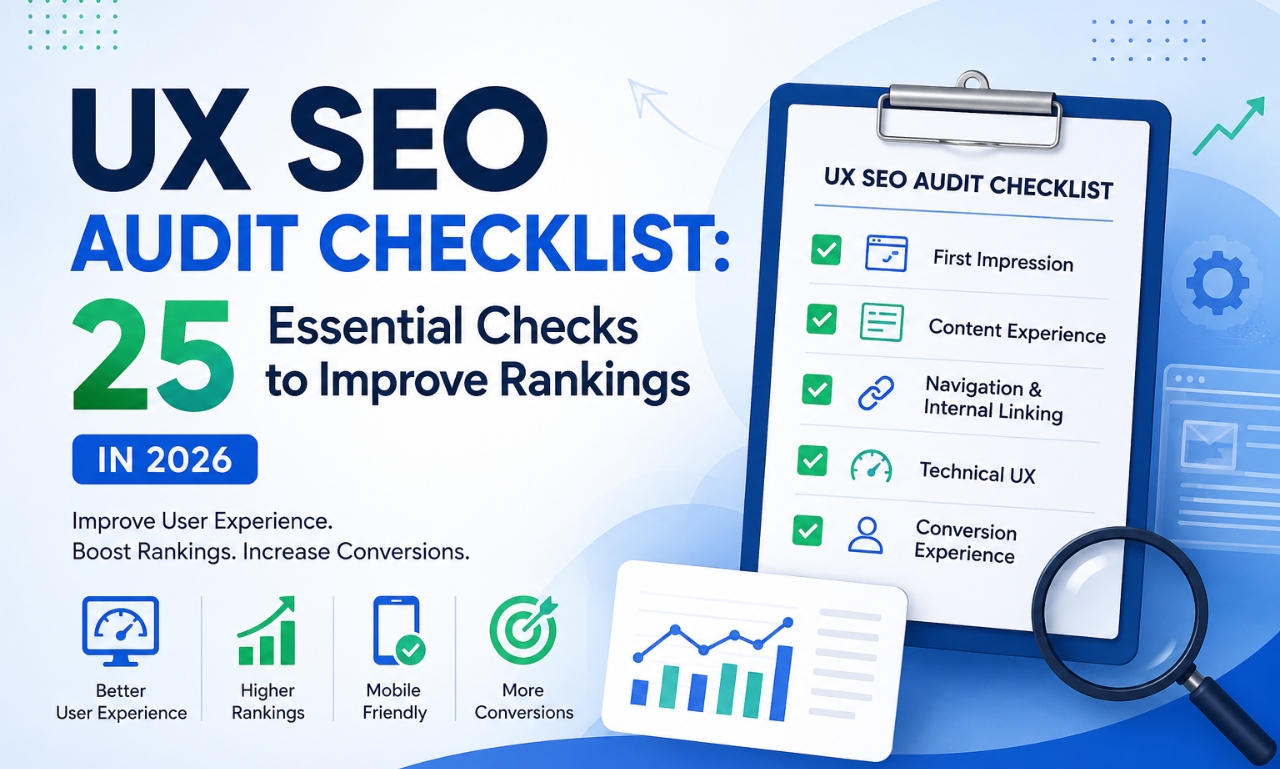
Is Your Website Losing Rankings Because of Poor User Experience?
Imagine two websites targeting the same keyword.
Both have well-written content.
Both use the correct keywords.
Both have optimized title tags and meta descriptions.
Yet one website consistently ranks higher than the other.
Why?
The answer often lies in User Experience (UX).
In 2026, Google doesn’t just evaluate what your content says, it also evaluates how easily users can interact with it. If visitors struggle to navigate your website, wait too long for pages to load, or leave because they can’t find what they’re looking for, your rankings can suffer over time.
This doesn’t mean Google directly measures every user action as a ranking factor. Instead, Google’s goal is to reward pages that provide a satisfying experience, and many UX improvements naturally support better engagement, accessibility, and content discoverability.
That’s where a UX SEO audit becomes essential.
In this guide, you’ll learn 25 practical UX SEO checks you can perform on your website to improve usability, enhance visitor satisfaction, and strengthen your SEO foundation.
Quick Takeaways
Before we dive into the checklist, here’s what you need to know.
✔ UX SEO combines user experience with search engine optimization.
✔ A better user experience can lead to improved engagement, easier navigation, and higher conversion potential.
✔ Fast-loading pages, mobile responsiveness, accessibility, and clear navigation all contribute to a stronger website experience.
✔ A UX SEO audit helps identify issues before they affect rankings and conversions.
What Is UX SEO?
UX SEO is the process of optimizing your website so that both search engines and real users can easily understand, navigate, and interact with your content.
Traditional SEO focuses on helping Google discover and understand your pages.
UX SEO focuses on helping visitors complete their goals with as little friction as possible.
Think of it this way:
- SEO gets visitors to your website.
- UX SEO gives them a reason to stay.
When users quickly find the answers they need, explore additional pages, and complete meaningful actions such as submitting a contact form or requesting a quote, your website becomes more valuable, not only to visitors but also as a well-structured resource.
Why UX SEO Matters More Than Ever in 2026
Search has changed dramatically over the past few years.
Google now emphasizes helpful, people-first content while AI-powered search experiences summarize and recommend information from trusted sources.
This means your content must do more than include the right keywords.
It must also provide:
- Clear answers
- Logical page structure
- Easy navigation
- Mobile-friendly layouts
- Fast loading speeds
- Accessible design
A confusing website may have excellent content, but if visitors struggle to use it, they may leave before discovering its value.
Good UX removes those obstacles.
UX SEO Audit Checklist: 25 Essential Checks
Category 1: First Impression (1–5)
✅ 1. Is Your H1 Immediately Clear?
A visitor should understand the topic within seconds.
Instead of:
“Welcome to Our Website”
Use:
“Professional SEO Audit Services for Growing Businesses”
✅ 2. Does Your Above-the-Fold Section Explain Your Value?
Before scrolling, users should know:
- What you offer
- Who it’s for
- What action should they take
✅ 3. Is There a Clear Call-to-Action?
Every important page should guide users toward the next step.
Examples include:
- Get a Free SEO Audit
- Request a Quote
- Book a Consultation
✅ 4. Does Your Hero Image Support the Content?
Avoid generic stock photos.
Use visuals that reinforce your message, such as dashboards, workflow illustrations, or real project screenshots.
✅ 5. Do You Display Trust Signals?
Build credibility with:
- Client testimonials
- Case studies
- Certifications
- Awards
- Review ratings
Category 2: Content Experience (6–10)
✅ 6. Are Paragraphs Easy to Read?
Large blocks of text overwhelm readers.
Keep paragraphs short and focused.
✅ 7. Do You Use Proper Heading Structure?
Organize your content using H2s and H3s to make it easy to scan.
A clear hierarchy also helps search engines understand your content.
✅ 8. Are Bullet Points Used Where Appropriate?
Lists improve readability and allow users to find important information quickly.
✅ 9. Do You Include Comparison Tables?
Comparison tables simplify complex topics and improve the user experience.
✅ 10. Have You Added FAQs?
FAQ sections answer related questions, improve topical coverage, and create opportunities for structured data.
Category 3: Navigation & Internal Linking (11–15)
✅ 11. Can Visitors Reach Important Pages Within Three Clicks?
Simple navigation reduces frustration.
✅ 12. Do You Use Contextual Internal Links?
Guide readers to related blogs and service pages naturally.
For example, a UX SEO article can link to:
- SEO Audit Services
- Technical SEO Guide
- Core Web Vitals Checklist
✅ 13. Are Breadcrumbs Enabled?
Breadcrumbs improve navigation and help users understand where they are on your website.
✅ 14. Is Your Navigation Menu Simple?
Limit menu items to the essentials.
Avoid overwhelming visitors with too many choices.
✅ 15. Can Users Easily Find Contact Information?
Your phone number, email address, or contact page should never be difficult to locate.
Category 4: Technical UX (16–20)
✅ 16. Is Your Website Mobile-Friendly?
Always test your pages on multiple screen sizes.
✅ 17. Do Your Pages Load Quickly?
Compress images, optimize scripts, and reduce unnecessary resources.
Fast-loading pages improve the browsing experience.
✅ 18. Are Core Web Vitals in Good Shape?
Monitor key performance metrics such as:
- Largest Contentful Paint (LCP)
- Interaction to Next Paint (INP)
- Cumulative Layout Shift (CLS)
✅ 19. Are Images Optimized?
Every image should include:
- Descriptive filenames
- Relevant alt text
- Modern formats such as WebP, where appropriate
✅ 20. Is Your Website Accessible?
Accessibility isn’t just good practice; it helps more people use your website.
Check:
- Color contrast
- Keyboard navigation
- Alt text
- Readable font sizes
- Descriptive button labels
Category 5: Conversion Experience (21–25)
✅ 21. Are CTAs Visible Throughout the Page?
Don’t rely on a single call-to-action at the bottom.
Place relevant CTAs naturally throughout the content.
✅ 22. Are Your Forms Easy to Complete?
Ask only for information you genuinely need.
Shorter forms generally reduce friction.
✅ 23. Do You Showcase Social Proof?
Display testimonials, success stories, or client logos where appropriate.
✅ 24. Do You Offer Related Resources?
Recommend helpful blogs or guides to encourage users to continue exploring your website.
✅ 25. Have You Performed the 10-Second UX Test?
Open your page and spend only ten seconds looking at it.
Then ask yourself:
- What is this page about?
- What should I do next?
- Is anything confusing?
- Would I continue reading?
If you can’t answer those questions quickly, your visitors may struggle too.
Common UX SEO Mistakes
Even well-designed websites often overlook small issues that impact usability.
Watch out for:
- Walls of text
- Slow-loading pages
- Poor mobile layouts
- Tiny fonts
- Broken internal links
- Hidden CTAs
- Low color contrast
- Confusing navigation
- Excessive pop-ups
- Outdated content
Fixing these problems creates a smoother experience for users and makes your content easier to consume.
Best Tools for a UX SEO Audit
You don’t need expensive software to get started.
Some of the most useful tools include:
- Google PageSpeed Insights – Analyze loading speed and Core Web Vitals.
- Google Search Console – Identify usability and indexing issues.
- Microsoft Clarity – Watch session recordings and heatmaps to understand user behavior.
- Lighthouse – Audit performance, accessibility, and SEO directly in Chrome.
- WebAIM Contrast Checker – Test whether your text meets accessibility contrast guidelines.
Together, these tools provide a strong foundation for evaluating both technical performance and user experience.
Expert Tip: Score Your Website
Use this checklist as a simple scoring system.
- 22–25 checks passed: Excellent UX SEO foundation.
- 18–21 checks passed: Good, with room for improvement.
- 14–17 checks passed: Several areas need attention.
- Below 14: A comprehensive UX SEO audit should be a priority.
Remember, the goal isn’t to achieve a perfect score overnight. Focus on making consistent improvements that enhance the experience for your users.
Frequently Asked Questions
Does UX affect SEO?
Yes. While Google doesn’t rank pages based solely on user experience, factors like page speed, mobile usability, accessibility, and clear navigation contribute to a better overall website experience and support SEO performance.
What is a UX SEO audit?
A UX SEO audit evaluates how easily users can interact with your website while identifying opportunities to improve usability, engagement, and search performance.
How often should I perform a UX SEO audit?
Review your website at least every six months, or whenever you redesign pages, launch new content, or notice changes in user engagement.
Is page speed part of UX SEO?
Absolutely. Faster pages create a smoother experience and help users access information more quickly.
What’s the difference between SEO and UX SEO?
Traditional SEO focuses on helping search engines understand your content, while UX SEO focuses on making that content easier and more enjoyable for people to use.
Final Thoughts
A successful website isn’t built solely for search engines, it’s built for people.
The better your visitors can navigate your pages, understand your content, and complete their goals, the stronger your website becomes over time.
Think of this UX SEO Audit Checklist as more than just a list of tasks. It’s a framework for creating a website that is faster, clearer, easier to use, and more trustworthy.
If your website falls short in several of these areas, a professional UX SEO audit can uncover hidden issues that may be limiting your rankings, reducing engagement, and affecting conversions. Addressing those issues doesn’t just improve your SEO; it creates a better experience for every visitor who lands on your site.